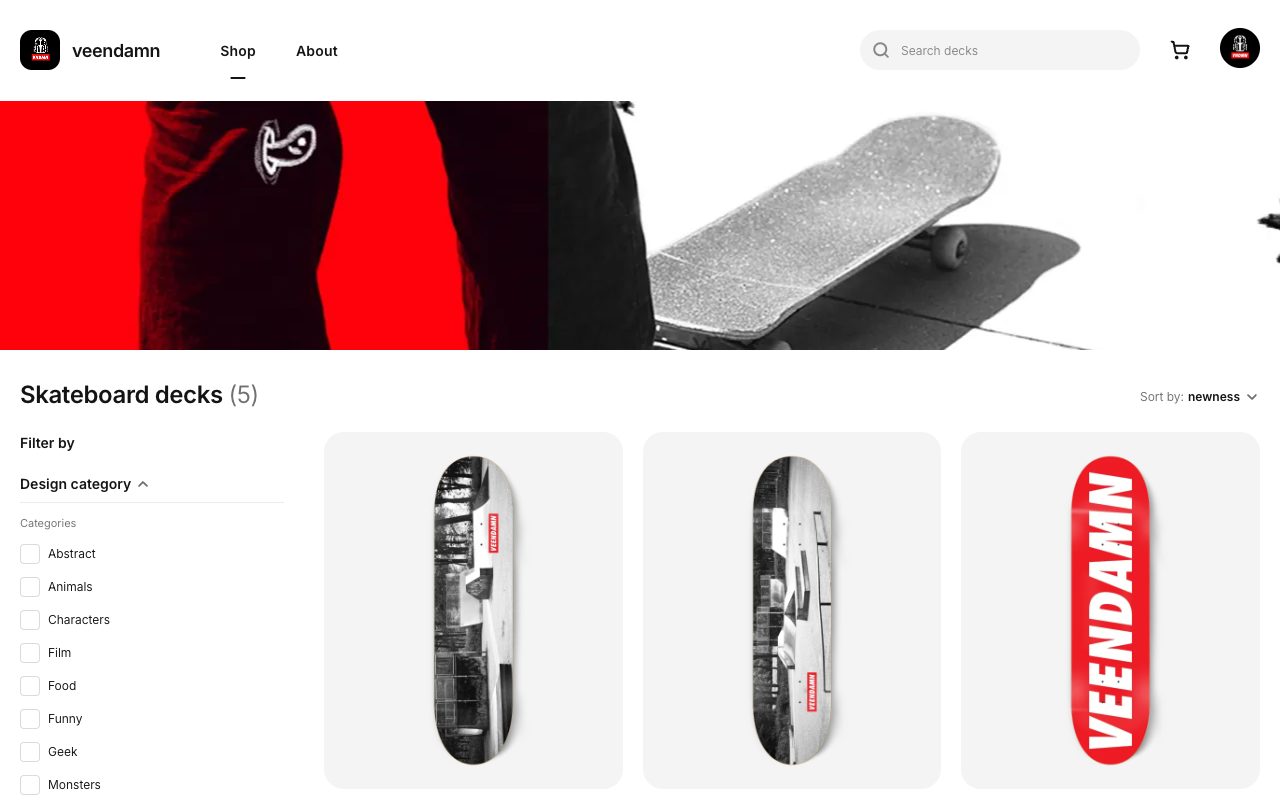
Customise your skateshop
Last updated on 23 November 2026
Your skateshop is your own brand on deckend. Make it look and feel like you in My skateshop > Settings.
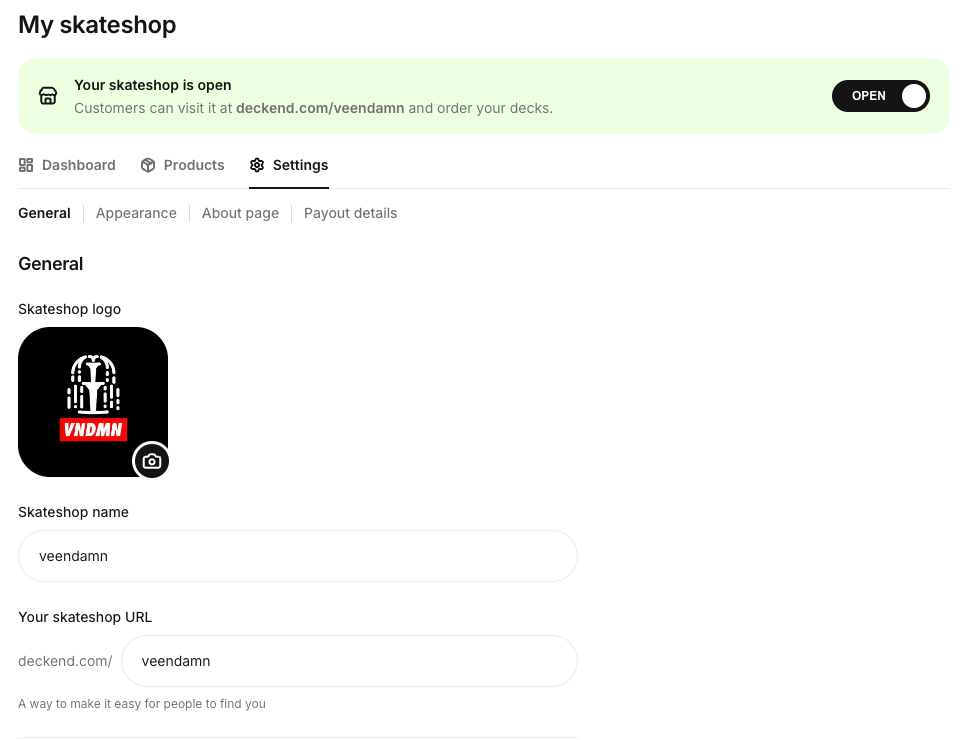
General
Your logo, your skateshop name and your own address (deckend.com/your-name). Square logos work best; it's shown round in a few places.
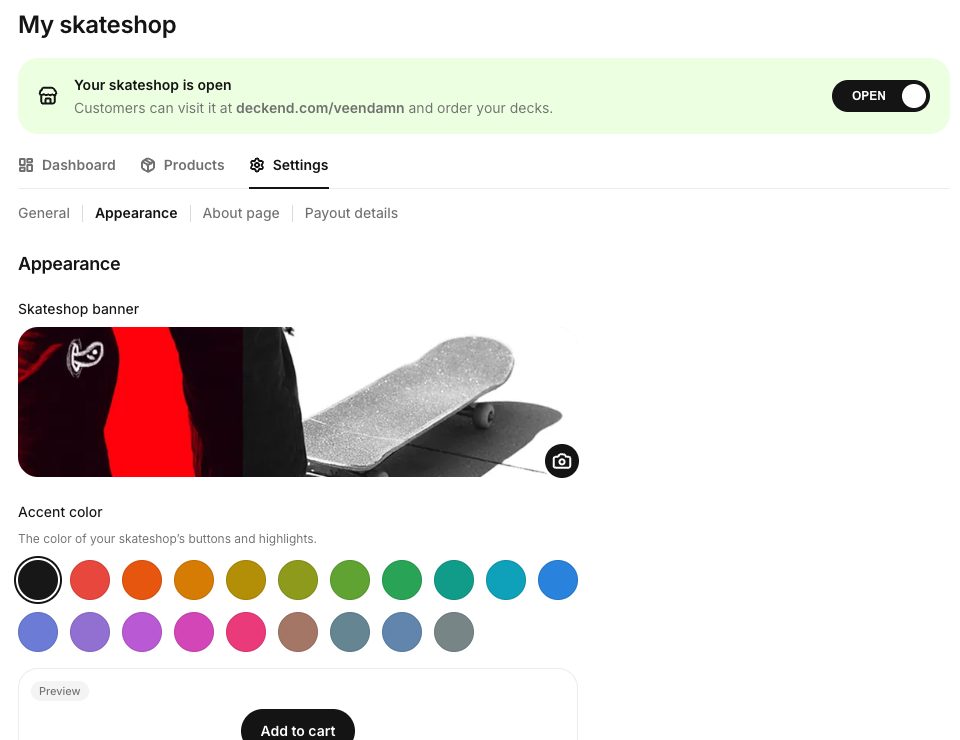
Appearance
A banner across the top of your skateshop, and your accent colour for the buttons and highlights. The preview shows how it looks.
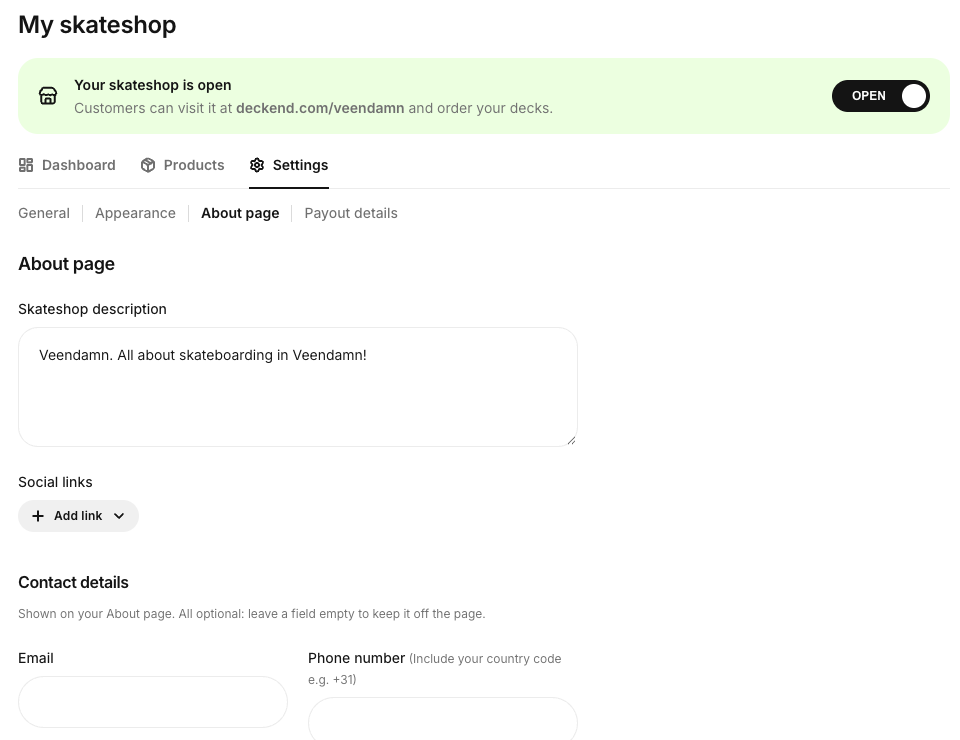
About page
Tell your story: who you are, what your designs are about. Add your social links and, if you like, your contact details.
Open or closed
The switch at the top opens or closes your skateshop. While it's closed, nobody can visit it or order your decks.
This is what it looks like for your customers: